

Power Over Ethernet Adapters price list
Last updated Saturday, Oct 17, 2026
| Power Over Ethernet Adapters | Price |
|---|---|
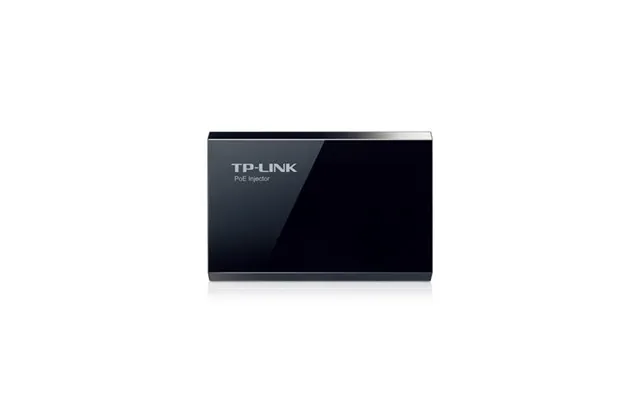
| Tp-link Poe150s Poe Injector | $20.12 |
| Allworx 8110200 Gigasplitter 2-port Gigabyte Adaptor With Poe For Phones | $65.12 |




View 9 Offers

Loading...
Last updated Saturday, Oct 17, 2026
| Power Over Ethernet Adapters | Price |
|---|---|
| Tp-link Poe150s Poe Injector | $20.12 |
| Allworx 8110200 Gigasplitter 2-port Gigabyte Adaptor With Poe For Phones | $65.12 |
Power over Ethernet, or PoE, gives your network two essential things through one Ethernet connection: data and electrical power. That simple idea can make installations cleaner, more flexible, and easier to manage. Instead of running separate power cables to every compatible device, you can use a PoE injector, adapter, splitter, protector, or PoE switch, depending on your setup.
This guide explores the Power Over Ethernet Adapters listed in the reference data, including products from TP-Link, EnGenius, Arlo, EDGEWATER, Valcom, Allworx, ITW LINX, and NEC. You will find compact injectors for individual devices, larger switches for multiple connections, and specialized equipment for phones, clocks, and outdoor network protection.
ZoneOffer is a comparison site, not a store. The prices and product information below reflect the supplied listings and should be checked against the current comparison results before you make a purchase.
A Power over Ethernet adapter adds electrical power to a network connection so a compatible device can receive data and power through the same Ethernet cable. Picture it as a bridge between a regular network connection and a device that needs both network access and electricity.
PoE equipment can be useful for devices such as access points, IP cameras, VoIP phones, and other network hardware. However, the right product depends on the device’s power requirements, network speed, cable distance, and whether you need a single connection or several at once.
The words can sound interchangeable, but they often describe different roles. A PoE injector adds power to an Ethernet connection. A PoE adapter may perform a similar function while also offering installation features or protection. A splitter separates power and data for equipment that does not accept PoE directly. A PoE switch can power multiple compatible devices and connect them to the network from one central point.
The reference listings include examples of each kind of networking solution. The TP-Link POE150S is a compact injector, while the EnGenius EPA5006GP and EPA5006GAT are adapters designed to deliver power to compatible devices. The Arlo and NEC products provide multiple PoE ports for broader network deployments.
If you only need to power one compatible device, a compact injector may be the most straightforward approach. It can help avoid purchasing a larger switch when your installation has modest requirements. The TP-Link POE150S and the two EnGenius adapters are particularly relevant examples in this category.
The TP-Link POE150S is listed at $20.12 and supports IEEE 802.3af compliance. Its listing states that it can deliver power up to 328 feet and supports gigabit speeds. It also automatically determines the necessary power requirements, which can simplify setup when used with a compatible device.
Installation is designed to be plug and play, with no configuration required. The listing also identifies an external power adapter supply. For a small network, an office phone, or another compatible endpoint, this type of injector can be a practical way to add PoE without replacing the existing network switch.
Its listed dimensions are approximately 8.15 inches by 2.68 inches by 6.62 inches, and its listed weight is 0.77 pounds. The product includes connectors and cords according to the supplied data, comes in retail box packaging, and has a listed two-year warranty.
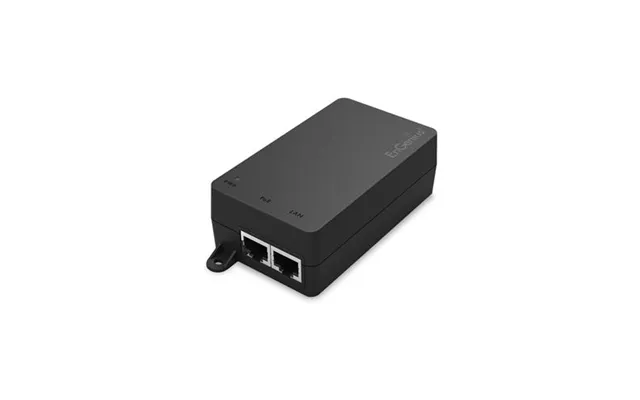
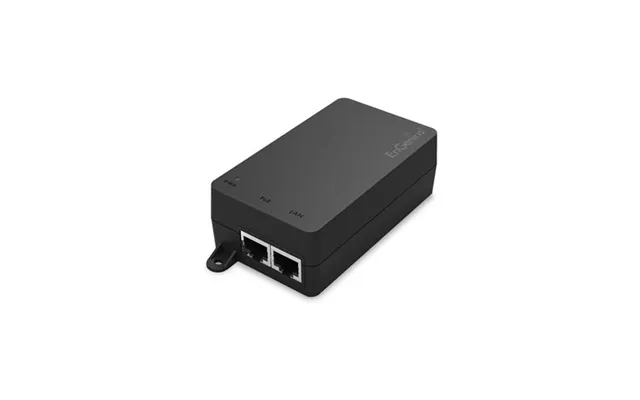
The EnGenius EPA5006GP is listed at $33.12 and provides up to 32 watts of output power at 54 volts and 0.6 amps. It includes two gigabit Ethernet ports, with one port connecting to a compatible PoE switch and the other connecting to a PoE-enabled device.
This design can also help extend power between a non-PoE switch and a compatible network device. The listing states that the powered device can be positioned up to 328 feet from the power source. That distance can be helpful when equipment needs to sit away from the networking cabinet or main power outlet.
Protection features listed for the EPA5006GP include disconnect, short-circuit, and surge protection. The product also includes mounting hardware for placement on walls, ceilings, or inside structured wiring enclosures. Its listed dimensions are 5.5 inches by 5 inches by 2 inches, and its listed weight is 0.75 pounds.
The EnGenius EPA5006GAT is listed at $35.12 and supports 802.3at and 802.3af standards. It delivers up to 30 watts of output power and includes gigabit Ethernet input and output ports. The listing describes it as suitable for access points, IP cameras, VoIP phones, and other compatible devices.
Like the EPA5006GP, this adapter can extend power to unwired areas up to 328 feet. It also includes disconnect, short-circuit, and surge protection. With a listed input voltage of 100 to 240 volts, it is designed for a broad electrical input range, although you should always confirm compatibility with your own installation.
The EPA5006GAT has listed dimensions of 5.5 inches by 5 inches by 2 inches and a listed weight of 0.75 pounds. Mounting hardware is included for wall or ceiling placement. The supplied data lists a one-year warranty.
The EPA5006GP and EPA5006GAT share several useful traits, including gigabit connectivity, a compact form, mounting hardware, and protection against certain electrical issues. The main listed difference is their power and standard information: the EPA5006GP is specified for up to 32 watts at 54 volts and 0.6 amps, while the EPA5006GAT is specified for up to 30 watts and supports both 802.3at and 802.3af.
Which one should you choose? Start with the device documentation. If your endpoint has a specific PoE standard or wattage requirement, match that requirement first. A small difference in listed output can matter when equipment operates close to its power limit. Network speed, cable length, mounting location, and the need for surge protection should also influence your decision.
A PoE switch is often a better fit when you need to connect several powered devices in one location. Instead of using a separate injector for each endpoint, a switch can centralize network connections and power distribution. This can reduce cable clutter and make a structured installation easier to organize.
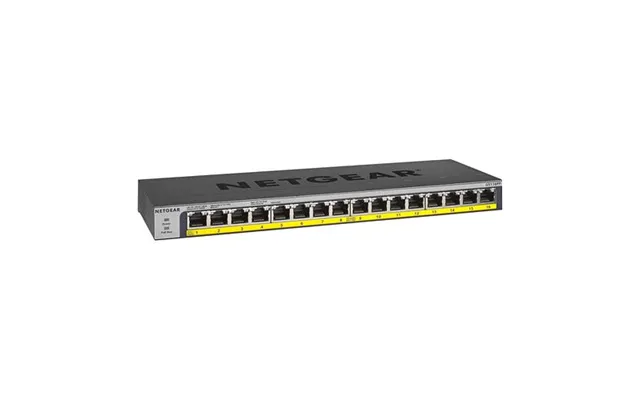
The Arlo GS116PP-100NAS is listed at $231.12. Its title identifies it as a 16-port PoE Plus gigabit unmanaged switch. The 16-port design makes it relevant for installations with multiple compatible network devices that need connections from a shared location.
Because the listing identifies this as an unmanaged switch, it may appeal to users looking for a simpler network appliance rather than a product requiring extensive configuration. Still, the reference data does not provide a detailed power budget, port-by-port output, dimensions, warranty, or supported deployment limits. Those specifications should be confirmed before purchase if they are important to your project.
A multi-port switch can be useful in environments where several access points, phones, cameras, or other compatible endpoints are grouped together. Think of it as a central power and data hub: one organized location feeds multiple devices instead of placing individual adapters throughout the building.
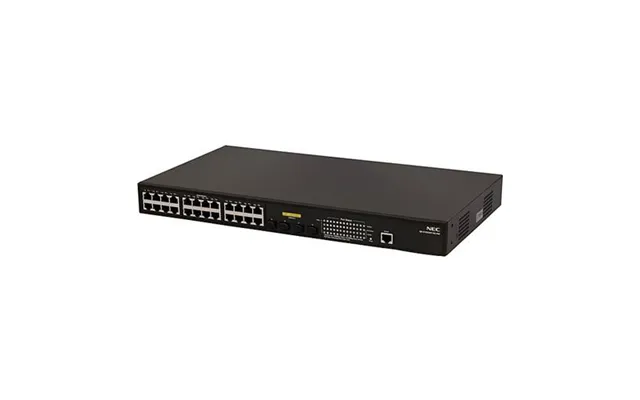
The NEC B02014-F1006 QX-S1024GT-4G-PW is listed at $417.12. Its title identifies it as a 24-port gigabit PoE product. With more listed ports than the 16-port Arlo model, it may be worth considering for a larger installation or a network that needs additional connection capacity.
The supplied description does not provide a detailed PoE budget, exact supported standard, physical dimensions, warranty, or management features. Therefore, you should verify those details before selecting this switch for equipment with specific power needs.
When comparing multi-port PoE switches, count your present devices and your likely near-term additions. A switch with too few ports can become a bottleneck, while a much larger unit may use more space and cost more than your network requires. Port count is only one piece of the puzzle; power capacity and compatibility are equally important.
Not every PoE product is a general-purpose injector or switch. Some are designed around a particular type of endpoint. The reference data includes equipment for phones and digital time displays, showing how PoE can support specialized communication and information systems.
The Allworx 8110200 is listed at $65.12 and is described as a two-port gigabyte adapter with PoE for phones. Its role is more specialized than a standard single-port injector, making it relevant to compatible phone deployments and Allworx-related networking environments.
The listing does not provide detailed power output, dimensions, supported standards, warranty information, or device compatibility beyond its description. If you are considering it for a telephone system, confirm that your phones and network equipment are designed to work with this adapter.
A phone-focused adapter can be valuable when the goal is to keep voice equipment tidy and connected through a structured network. Before buying, map out which devices need power, which connections need gigabit performance, and whether the adapter’s port arrangement suits the physical layout of your installation.
The Valcom VIP-D640A is listed at $527.12 and described as an IP PoE digital clock with a 4-inch display and six digits. Rather than being a general PoE accessory, it is an endpoint that uses PoE as part of its networked operation.
The listing does not include detailed mounting information, power requirements, display settings, warranty information, or network configuration details. Those points should be verified if you are planning a facility-wide clock installation or integrating the display into an existing communication system.
Networked clocks can be useful in settings where synchronized, centrally connected displays are needed. PoE can simplify placement by combining the network link and power connection, but the installation still depends on the available cabling, switch capacity, and compatibility of the network environment.
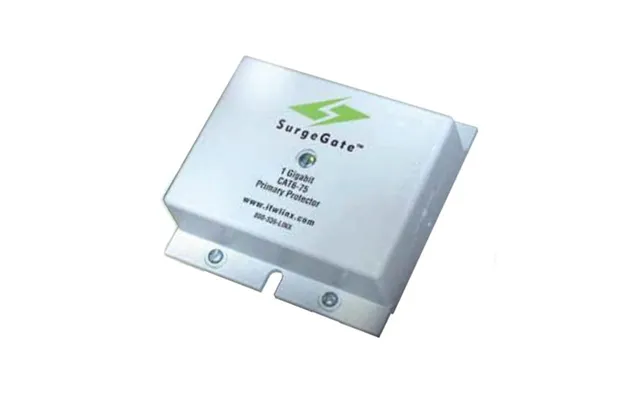
The ITW LINX CAT6-75-RJ45-POE is listed at $80.12 and described as a Category 6 solid-state building entrance protector. Its purpose is different from a basic injector: it is designed to protect certain high-performance four-pair Category 6 outside-plant and unshielded twisted-pair cables used for voice or ISDN low-voltage digital applications.
The supplied listing identifies a 75-volt application, 110 punchdown input and output, a recommended grounding impedance, a 75-volt fused clamping level, a response time of 1 to 5 nanoseconds, and capacitance information. These are technical specifications, so installation should follow the relevant documentation and be handled appropriately for the network and building environment.
A protector can be especially relevant where cabling enters a building or passes through an area exposed to electrical disturbances. It does not replace the need to select compatible equipment, use correct grounding practices, and follow applicable installation requirements. Instead, it is one part of a broader protection strategy.
Begin with the endpoint. Is it a phone, camera, access point, clock, or another device? Its PoE standard and wattage requirement should guide the selection. The reference products vary in stated output, from the TP-Link injector’s 802.3af positioning to the EnGenius adapters’ 30-watt and 32-watt specifications.
Do not choose solely by price or port count. A product may have the right connector and network speed but still lack the power capacity your device needs. Check the endpoint’s documentation, then compare its requirements with the injector or switch specifications.
The TP-Link POE150S and both EnGenius adapters list support for distances up to 328 feet. Cable quality, installation conditions, and the connected equipment still matter, so treat the stated distance as a product specification rather than a guarantee that every installation will perform identically.
For one device, an injector can keep the installation simple. For several endpoints, a multi-port switch may provide a cleaner central arrangement. The Arlo product lists 16 ports, while the NEC product lists 24 gigabit PoE ports. Choose enough capacity for your current network while considering realistic expansion.
Mounting hardware can make a compact adapter easier to place neatly. The EnGenius models include hardware for wall or ceiling mounting, and both list protection against disconnects, short circuits, and surges. For cables entering a building, the ITW LINX protector offers a more specialized protection option.
The supplied listings show a broad price range. The TP-Link POE150S is listed at $20.12, while the EnGenius EPA5006GP and EPA5006GAT are listed at $33.12 and $35.12. The Allworx adapter is listed at $65.12, and the ITW LINX protector is listed at $80.12.
The larger or specialized products are listed at higher prices: the Arlo 16-port switch is $231.12, the NEC 24-port product is $417.12, and the Valcom digital clock is $527.12. The EDGEWATER Edge-2900e PoE Intelligent Cloud to Edge product is listed at $659.12.
These are comparison figures from the supplied data, not claims of discounts or savings. The reference data does not provide regular prices for comparison, and it does not confirm current availability or shipping terms. Check the current ZoneOffer comparison results and the applicable retailer listing before making a decision.
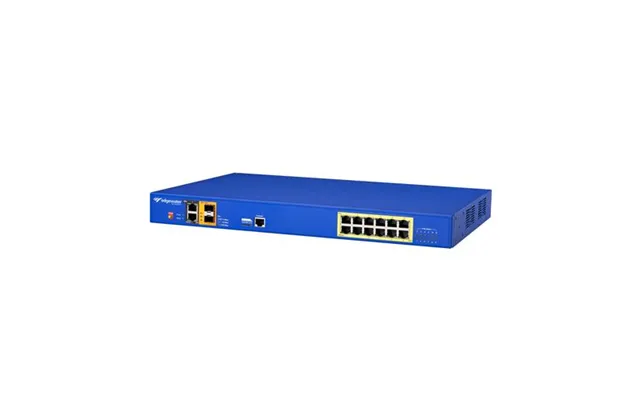
The EDGEWATER Edge-2900EPOE-901-C2E is listed at $659.12 and described in its title as a 2900E PoE intelligent cloud-to-edge product. The supplied data does not include detailed port count, power budget, management features, physical dimensions, supported standards, or warranty information.
Because the product title identifies an intelligent cloud-to-edge design, it may be relevant to more advanced network environments than a basic plug-and-play injector. However, you should confirm its technical specifications and management requirements before considering it for a particular deployment.
This product illustrates an important buying lesson: product category names can suggest a general role, but the detailed specification sheet determines whether the hardware is truly appropriate. When the supplied information is limited, verify the missing details instead of assuming them.
Before installing PoE equipment, sketch the network. Mark the switch or injector, each powered endpoint, approximate cable runs, and available power outlets. This simple map can reveal whether you need one injector, several adapters, or a central multi-port switch.
Keep cable lengths within the supported range and use cabling appropriate for the equipment. Check that every endpoint, cable, injector, and switch uses compatible PoE standards. A network connection may fit physically while still being electrically unsuitable.
Leave room for ventilation and service access around networking hardware. If you are mounting an adapter on a wall or ceiling, use the supplied hardware as intended and make sure the location is secure. For building-entry cabling, pay close attention to grounding and protection requirements.
Finally, test one connection before completing a large rollout. Confirm that the endpoint powers on, receives network connectivity, and operates as expected. A small test can save you from repeating a mistake across an entire installation.
The right PoE product can turn a tangled installation into a cleaner, more organized network. The TP-Link POE150S suits a simple injector-style setup, while the EnGenius EPA5006GP and EPA5006GAT add compact gigabit PoE options with listed protection features. For multiple endpoints, the Arlo 16-port and NEC 24-port products offer larger connection layouts. Specialized choices include the Allworx phone adapter, Valcom IP clock, ITW LINX cable protector, and EDGEWATER intelligent PoE equipment. Compare power requirements, distance, port count, installation needs, and verified specifications before choosing, and use ZoneOffer as a comparison site to review the available options.