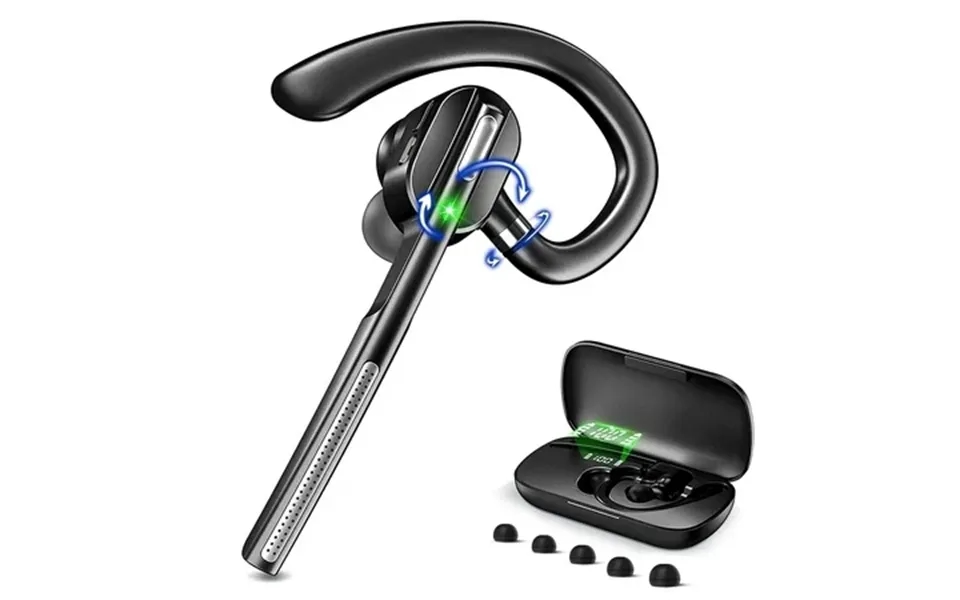
Clear calls and voice assistant make convenient hands-free calls. Over-ear control buttons give ultimate convenience when you want to change volume tracks or answer hang up phone calls. Volume control: for ios: headset volume and ios device volume are synchronized so you can modify volume by headset or by the ios device. For android: headset volume and android phone volume are not synchronized.Even if headset volume full blast you can still increase volume on android phone. Mute function: please note the mute button can only work on cell phones if you want to mute while using on pc please mute through the software you use. How to connect with two devices simultaneously 1. After pairing with the first device turn off the bluetooth on first device the bluetooth headset will enter pairing mode again. 2. Turn on the bluetooth on the second device then connect it with the bluetooth headset. 3. Turn on the bluetooth on first device. 4. Turn off the bluetooth headset and turn it on it will automatically connect with two devices tips to help you get a better experience: 1. Our bluetooth headset only work with computers that have bluetooth function. But you can use a bluetooth dongle if your computer has no bluetooth function. 2. Poor sound quality and bluetooth connection occur sometimes when bluetooth driver is not updated to the latest version. 3. The buttons on the bluetooth headset only work while using with cellphones. If you need to mute on skype or other softwares on pc pl...
Clear calls and voice assistant make convenient hands-free calls. Over-ear control buttons give ultimate convenience when you want to change volume tracks or answer hang...show more